Gmail integration
Last updated: November 26, 2026

We built Lemongraph around a simple belief that most work lives in conversations with other people. For a lot of us that conversation is email. Connect Gmail and Lemongraph reads along as threads come in, so when someone asks you for something or you offer to send it, that becomes an action item with the whole thread attached.
Gmail is still in beta. We’re learning a lot from it every week and we’d love to hear when something feels off.
What changes when you connect Gmail
You’ll start seeing action items from email in Lemongraph, each with the thread it came from, so there’s no digging around for what was said when it’s time to act.
When the next step is a reply, an agent can write the draft for you. Nothing gets sent until you say so.
How to connect Gmail
1. Open Connections
In Lemongraph, go to Settings → Connections.
2. Connect Gmail
Find Gmail in the list and choose Connect.
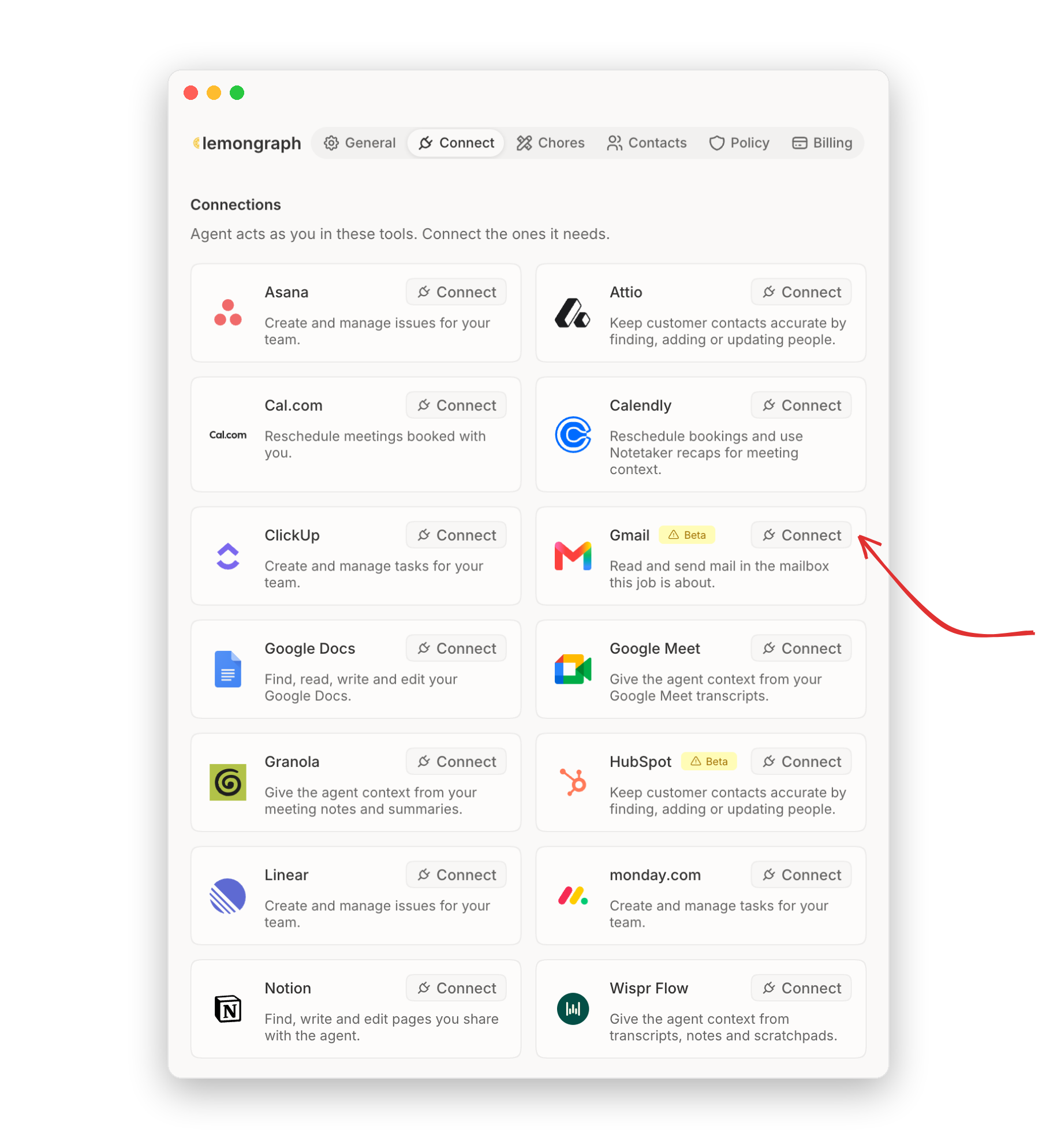
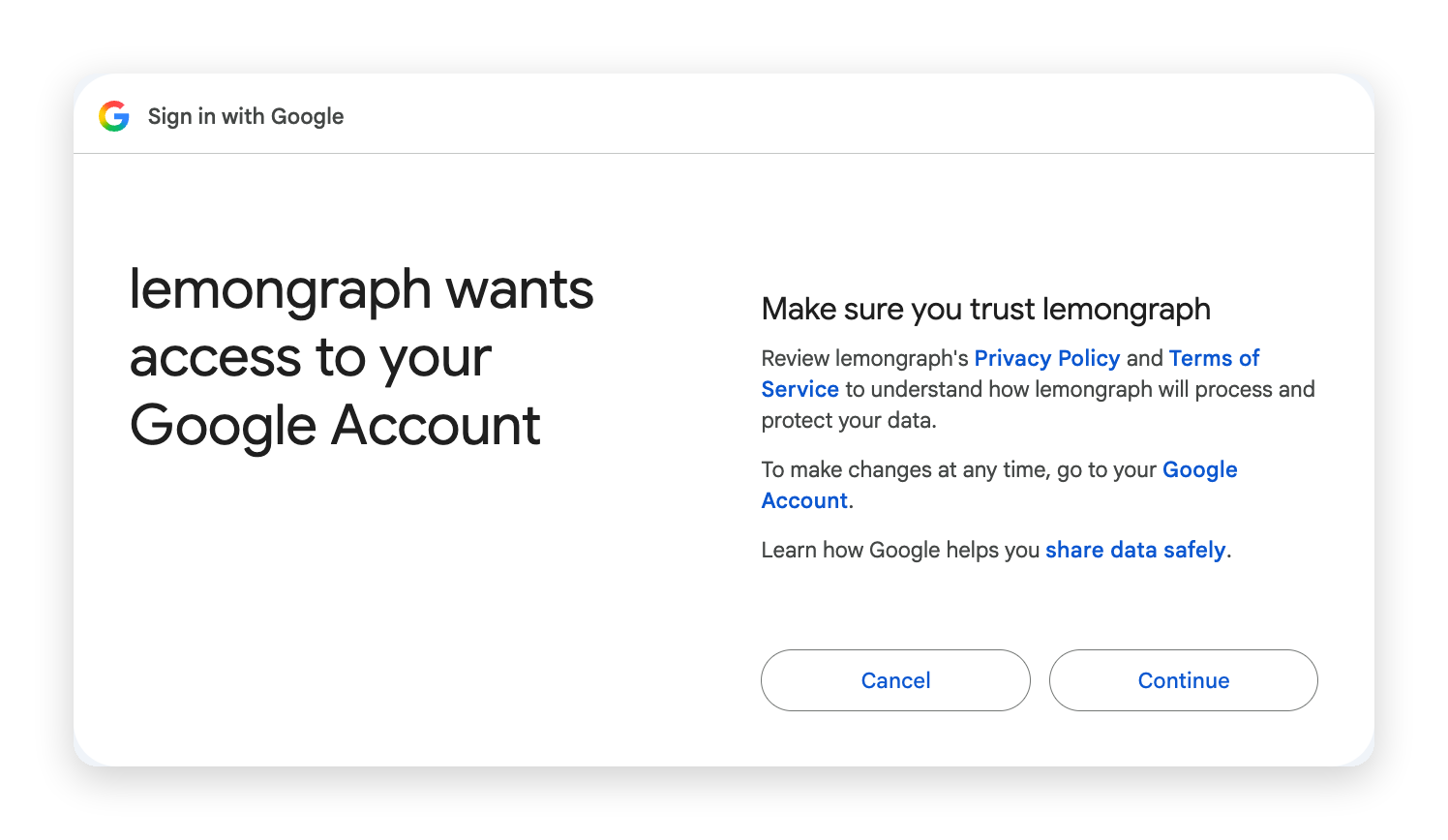
3. Allow access
Pick the Google account you’d like to use and approve the access Google asks for. Lemongraph needs it to read conversations and send the replies you approve.
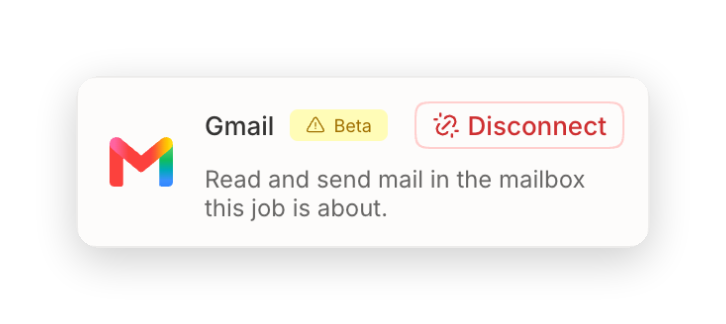
4. That’s it
Gmail now shows up as connected.
Questions
Will Lemongraph send email without asking?
No. Every email waits for an OK first. When you trust replies to a particular contact, you can switch them to Always allow.
Does it work with Outlook?
Not at the moment. Lemongraph works with Google accounts only.
Who can read my email?
Lemongraph reads it to do its work, within the access you grant. Our AI partners can’t train on it and we will never sell it. The security page has all the detail.
Is it free?
Yes, it’s one of the 5 integrations included in the free plan. Pro has no limit.
How do I disconnect Gmail?
Open Settings → Connections and choose Disconnect next to Gmail. You can always connect it again later.
Bring agents along
Whatever Lemongraph learns from Gmail, agents like Claude and ChatGPT get to see too. The MCP guide shows how to connect them.
Something not working the way you hoped? We’d love to hear about it at hey@lemongraph.dev. You can also head back to all integrations.