Granola integration
Last updated: November 26, 2026

Granola is already great at writing down what happened in a meeting. We’d rather those notes didn’t end up in a folder nobody opens again, so when you connect Granola, Lemongraph reads the notes and summaries and brings them to the action items they belong to.
What changes when you connect Granola
An agent working on one of those action items starts out knowing what was discussed, which saves you from retelling the meeting.
How to connect Granola
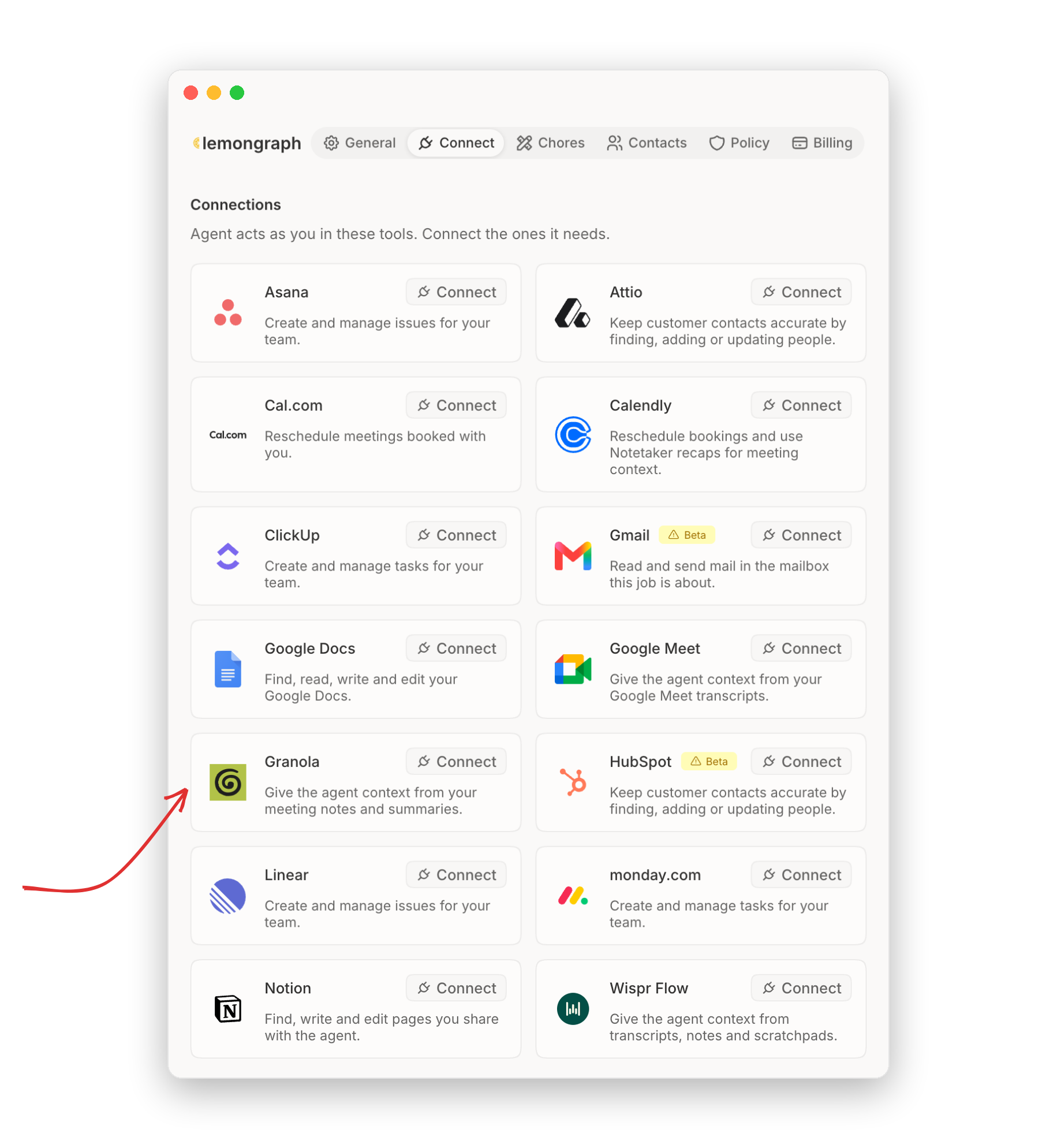
1. Open Connections
In Lemongraph, go to Settings → Connections.
2. Connect Granola
Find Granola in the list and choose Connect.
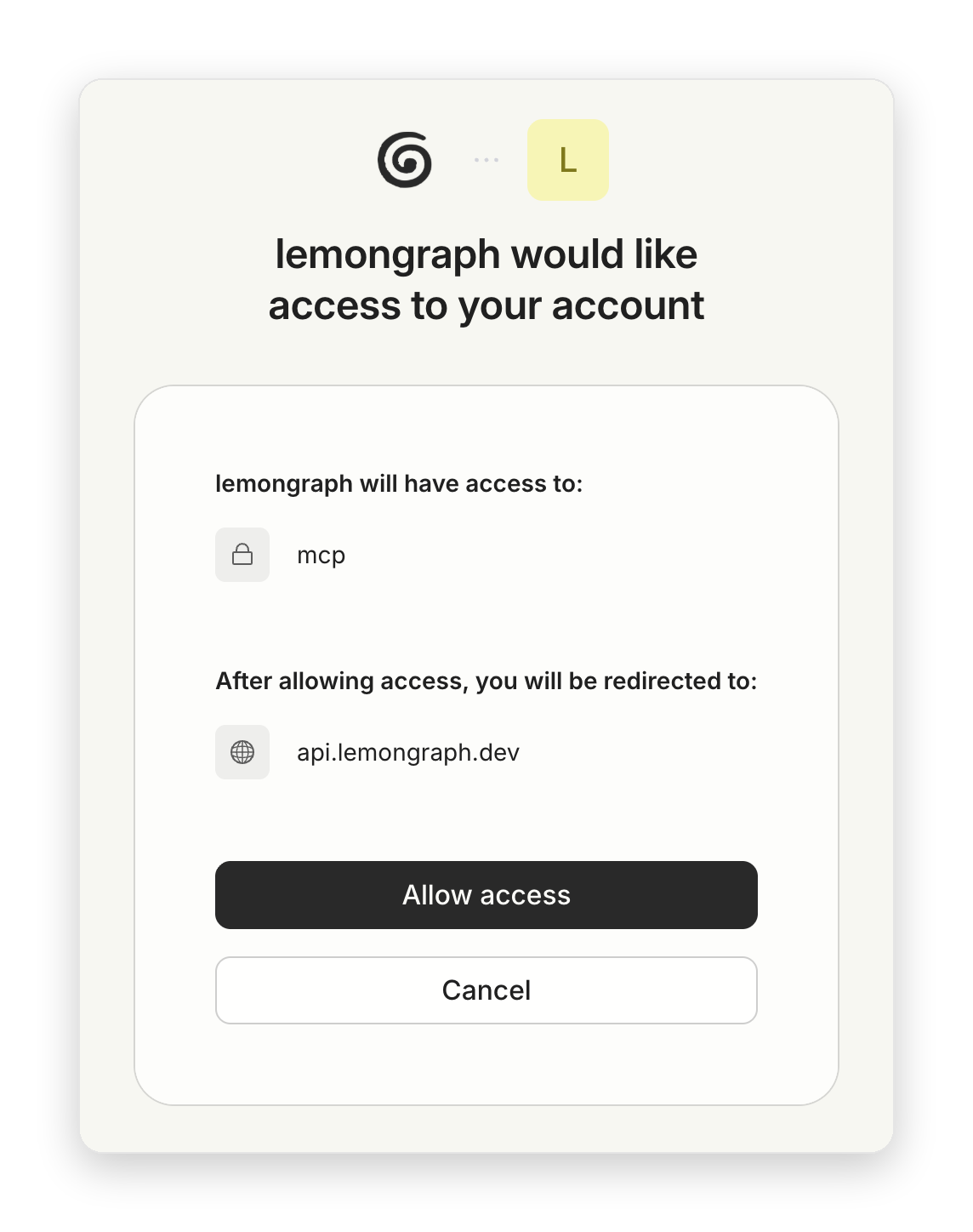
3. Allow access
Sign in to Granola and approve the access it asks for.
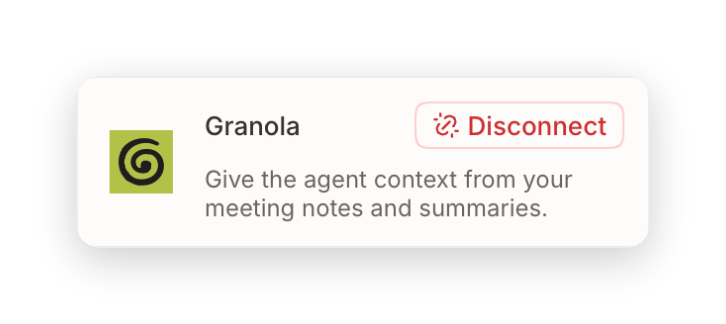
4. That’s it
Granola now shows up as connected.
Questions
Will Lemongraph change my Granola notes?
No. Lemongraph only reads them.
Is it free?
Yes, it’s one of the 5 integrations included in the free plan. Pro has no limit.
How do I disconnect Granola?
Open Settings → Connections and choose Disconnect next to Granola. You can always connect it again later.
Bring agents along
Whatever Lemongraph learns from Granola, agents like Claude and ChatGPT get to see too. The MCP guide shows how to connect them.
Something not working the way you hoped? We’d love to hear about it at hey@lemongraph.dev. You can also head back to all integrations.