HubSpot integration
Last updated: November 26, 2026

Connect HubSpot and Lemongraph knows who’s on the other side of a conversation and what HubSpot already knows about them.
HubSpot is still in beta and we’d love to hear when something feels off.
What changes when you connect HubSpot
Before an agent writes back to someone, it can look them up in HubSpot by email or phone instead of guessing.
When a conversation brings in someone new or changes a detail, an agent can update the record for you after you say OK.
How to connect HubSpot
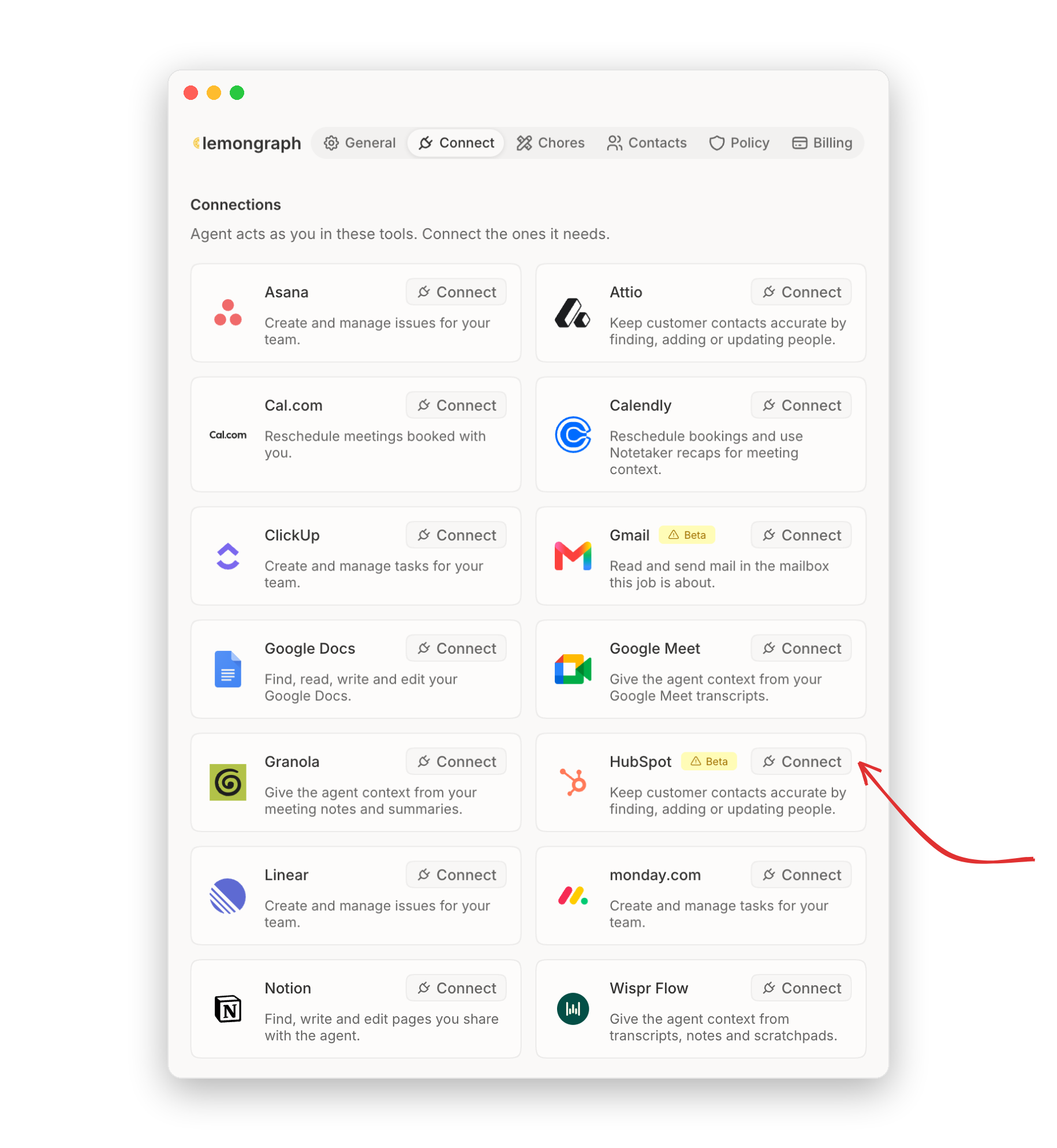
1. Open Connections
In Lemongraph, go to Settings → Connections.
2. Connect HubSpot
Find HubSpot in the list and choose Connect.
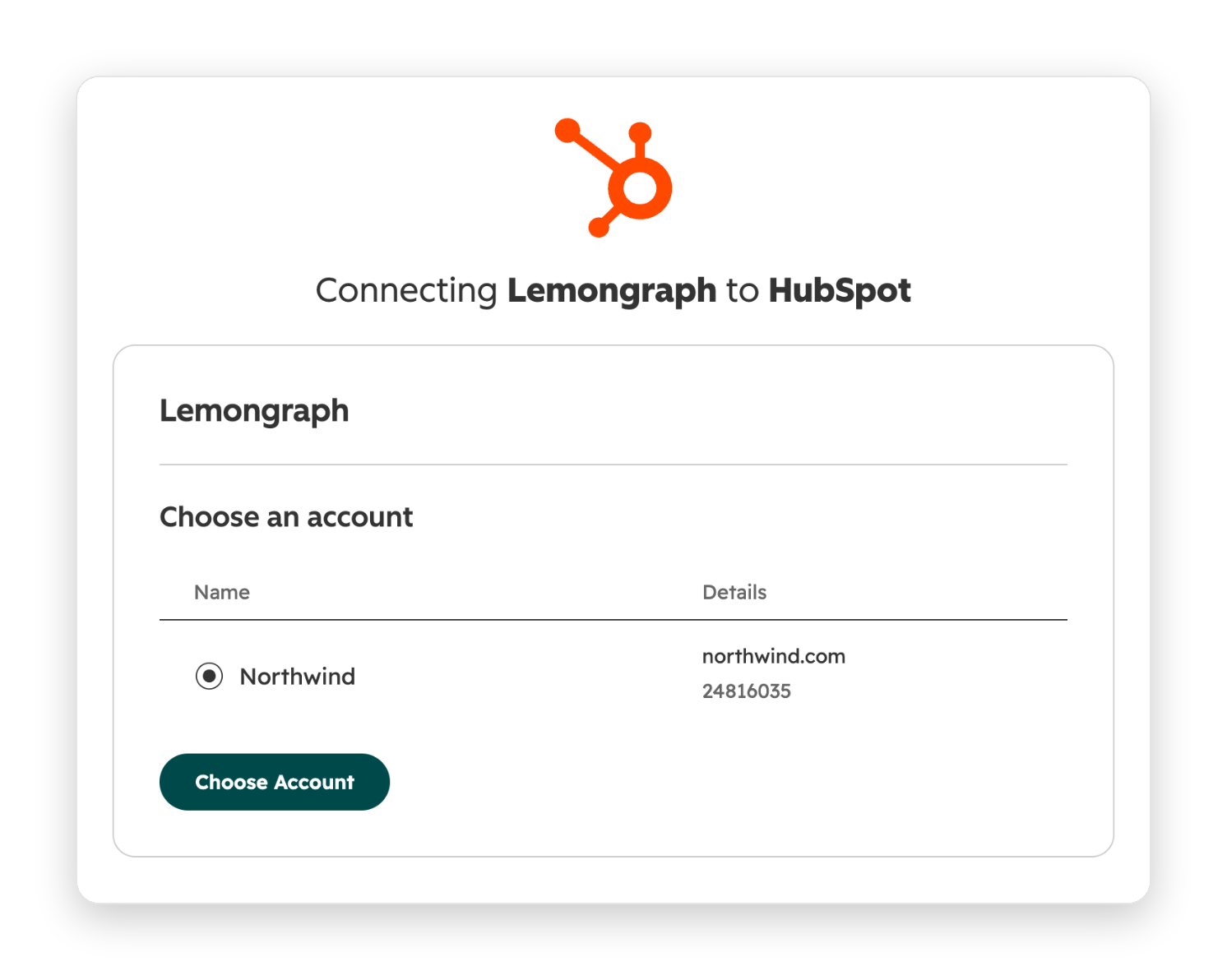
3. Allow access
Sign in to HubSpot and approve the access it asks for.
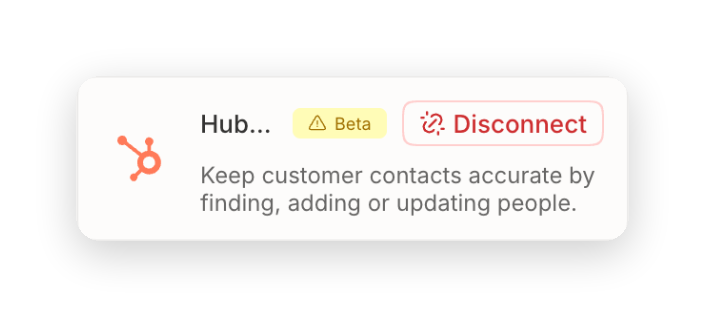
4. That’s it
HubSpot now shows up as connected.
Questions
Will it change anything without asking?
No. We built Lemongraph on zero trust, so it asks before every action. When something starts to feel routine, you can switch it to Always allow, one chore or one contact at a time.
Is it free?
Yes, it’s one of the 5 integrations included in the free plan. Pro has no limit.
How do I disconnect HubSpot?
Open Settings → Connections and choose Disconnect next to HubSpot. You can always connect it again later.
Bring agents along
Whatever Lemongraph learns from HubSpot, agents like Claude and ChatGPT get to see too. The MCP guide shows how to connect them.
Something not working the way you hoped? We’d love to hear about it at hey@lemongraph.dev. You can also head back to all integrations.