TickTick pricing in 2026: is it free and is Premium worth it?
Looking for TickTick pricing in 2026? Yes, it has a generous free tier while Premium costs $35.99 a year. See every limit and who should pay.
Sep 14, 2026
Yes, TickTick has a generous free plan. TickTick Premium costs $35.99 a year or $3.99 a month on the web, though you might see $49.99 a year or $4.99 a month inside the Apple App Store. Paying for the upgrade is worth it if you want to drag tasks straight onto a daily calendar or need more than nine lists to keep your work and home life separate.
TickTick pricing at a glance
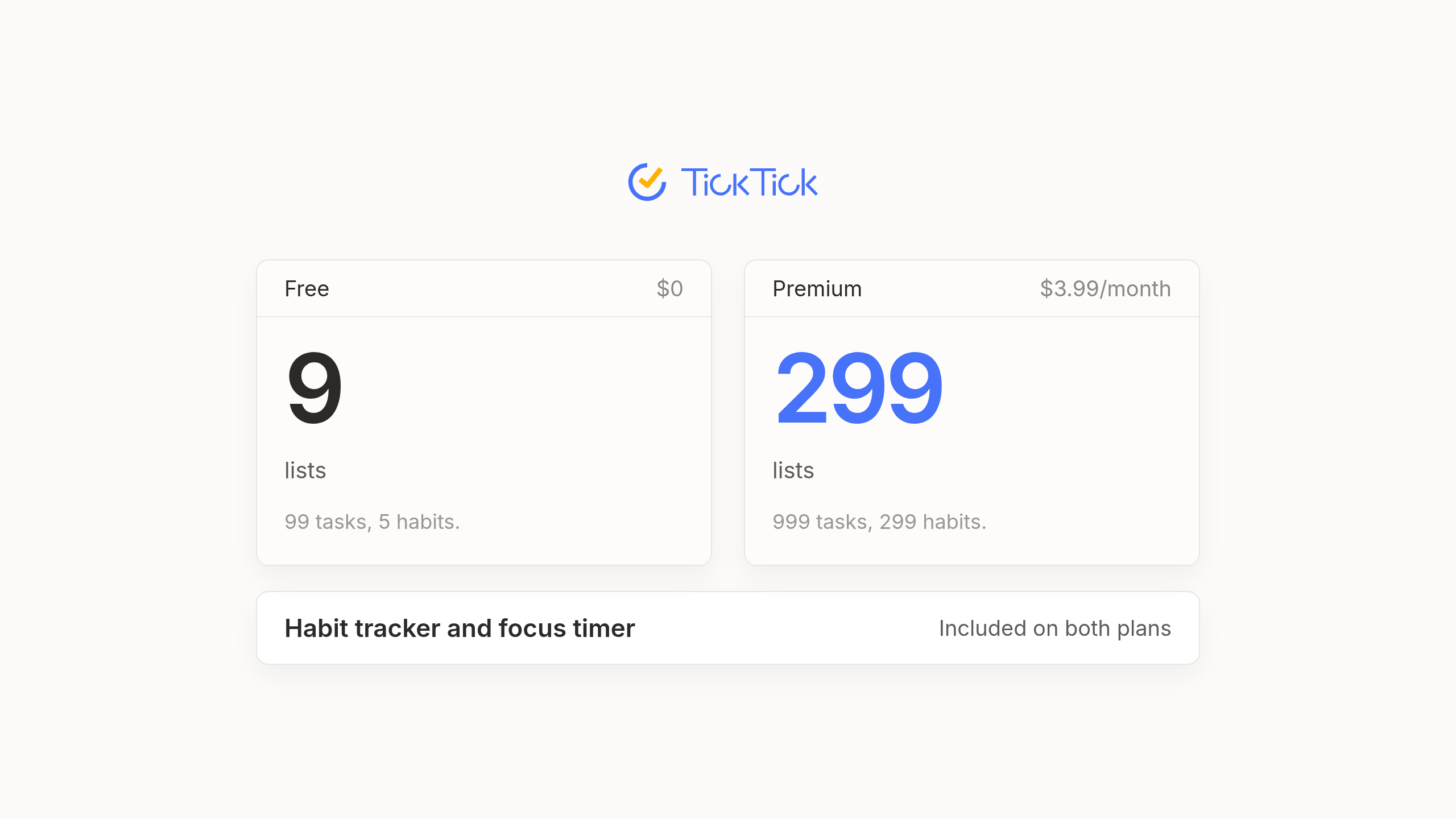
When you look up TickTick pricing, you probably just want to see the numbers side by side before reading the fine print. Most to-do apps hide their real account caps two clicks deep inside a help center, which makes it frustrating to figure out when you'll actually hit a wall. The table below puts the current rates next to the exact account limits from TickTick's own published Premium guide. Since TickTick originally published that guide in 2020, we present those caps as approximate figures according to TickTick.
| Feature or Limit | TickTick Free | TickTick Premium |
|---|---|---|
| Yearly Price | $0 | $35.99 a year (or $49.99 via App Store) |
| Monthly Price | $0 | $3.99 a month (or $4.99 via App Store) |
| Lists | 9 | 299 |
| Tasks | 99 | 999 |
| Reminders per task | 2 | 5 |
| Checklist items per task | 19 | 199 |
| Habits | 5 | 299 |
| Shared list members (including owner) | 2 | 30 |
| Attachment uploads per day | 1 | 99 |
| Plan your day feature | 2 times a week | Unlimited |
Free or paid, TickTick runs on just about every screen you own and keeps everything in sync. You can also subscribe to Google Calendar inside the app so your meetings sit right next to the things you need to get done. That cross-platform availability is the same whether you pay or stay free.
Is TickTick free and where does the free plan run out
If you're wondering whether TickTick is free in the real sense or just a trial in disguise, the honest answer is that the free tier is unusually generous. Plenty of software lets you move in for seven days before locking the doors behind a paywall. TickTick does the opposite by giving away features for zero dollars that other apps treat as luxury extras.
From day one, everyday natural language dates and basic calendar views come built in so you can type a phrase like tomorrow at 3pm and watch the due date set itself. You also get a habit tracker and a Pomodoro focus timer linked to your tasks for free. Even the Eisenhower matrix view comes free, which lets you sort your day by urgency and importance without spending a cent.
Where you finally feel the squeeze is inside the numeric limits. Nine lists and 99 tasks feel plenty roomy when you just want to remember groceries and a few weekend errands. Those exact same numbers run out fast once you start mixing multi-week client projects with household chores. Still, someone with a straightforward daily routine can happily live on the free tier for years without spending a dime.
What TickTick Premium adds that people actually upgrade for
Nobody wakes up in the morning eager to buy another piece of software just to get more than 40 visual themes. People usually decide to pay for TickTick Premium because they get tired of bouncing between a checklist window and a separate calendar tab to figure out if their Tuesday is realistic. A TickTick Premium subscription pulls your commitments and your open hours into the exact same view so you can stop guessing how much time you actually have left.
- Full calendar views with drag and drop scheduling so you can block out real hours for your tasks right next to your meetings.
- Start and end dates on tasks that stretch across multiple days instead of forcing everything onto a single deadline.
- Custom filters and folders that keep heavy workloads tidy once you outgrow the basic nine lists.
- Estimated Pomodoro counts on tasks to help you measure how many focus sessions a project takes against what you guessed.
- Statistics and activity history with progress tracking for anyone who likes reviewing how their week actually went.
Beyond those core upgrades, version 8.0 in January 2026 added a feature called Suggested Tasks, which recommends unfinished tasks for today based on your priorities and patterns. It's a helpful nudge when your list gets backed up, though reviewers describe TickTick's AI as modest.
Monthly or yearly billing and the student discount
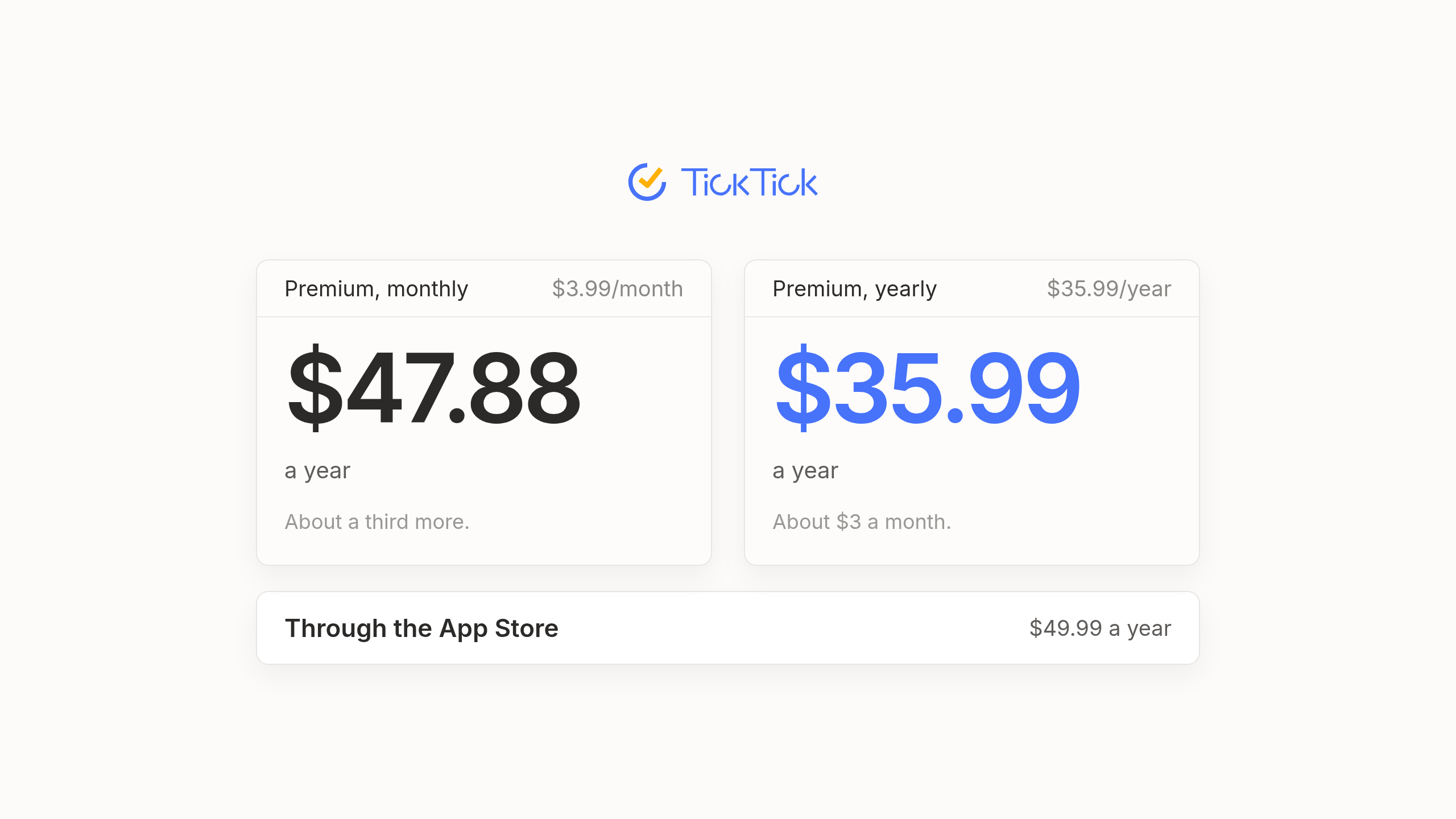
When you weigh the TickTick cost over a full year, the billing math tilts heavily toward paying upfront. Paying $3.99 a month comes out to about $47.88 over twelve months, which is roughly a third more than the $35.99 yearly price that works out to about $3 a month. On that standard web pricing the yearly plan pays for itself after about nine months. Paying yearly is the sensible move unless you're unsure you'll stick with the app that long.
Watch where you actually enter your card details, because buying through the Apple App Store can show higher rates of $49.99 a year or $4.99 a month compared to signing up directly on TickTick's website. If you're in school and looking for a TickTick student discount, reviewers report a 25 percent discount that brings Premium down to about $27 a year. We say reviewers report because we couldn't confirm that offer on TickTick's own pages.
One thing you won't find on the pricing page is a team or business tier. TickTick is built for individuals, so there's no team plan beyond sharing a list with up to 30 members on a Premium account.
Is TickTick Premium worth it and what every plan shares
Looking at TickTick free vs Premium comes down to whether you use a to-do app as a simple scratchpad or as the place where you map out your hours. At about $3 a month on the annual web plan, Premium is one of the cheaper paid plans for a personal task manager. For anyone who plans their whole day inside TickTick, it's easy value.
If you just want a clean checklist with a focus timer and a few daily habits, stay on the free plan and keep your money. If you rely on calendar time blocking to stay honest about your afternoon or need more than nine lists and two reminders per task, pay yearly for Premium.
There's one fundamental truth that no TickTick plan changes. You still maintain the list yourself. You're the one who has to remember what you promised in a meeting and type it in, decide what comes first today and reschedule ten overdue items by hand when an afternoon call runs late. Premium gives you a much bigger and better organized workshop for doing that manual upkeep. If you enjoy tending to your own system every morning with a cup of coffee, it's a wonderful workshop to own.
A different way to pay for a to-do app
We built our AI native personal task manager Lemongraph for people who love having a reliable to-do list but are tired of being its full-time caretaker. Instead of waiting for you to type everything in by hand, the list keeps itself up to date. Tasks arrive automatically from your email and meetings while priorities adjust on their own when plans change. Every morning Up next shows what actually matters today and explains why. You can snooze anything and it comes back when you're ready.
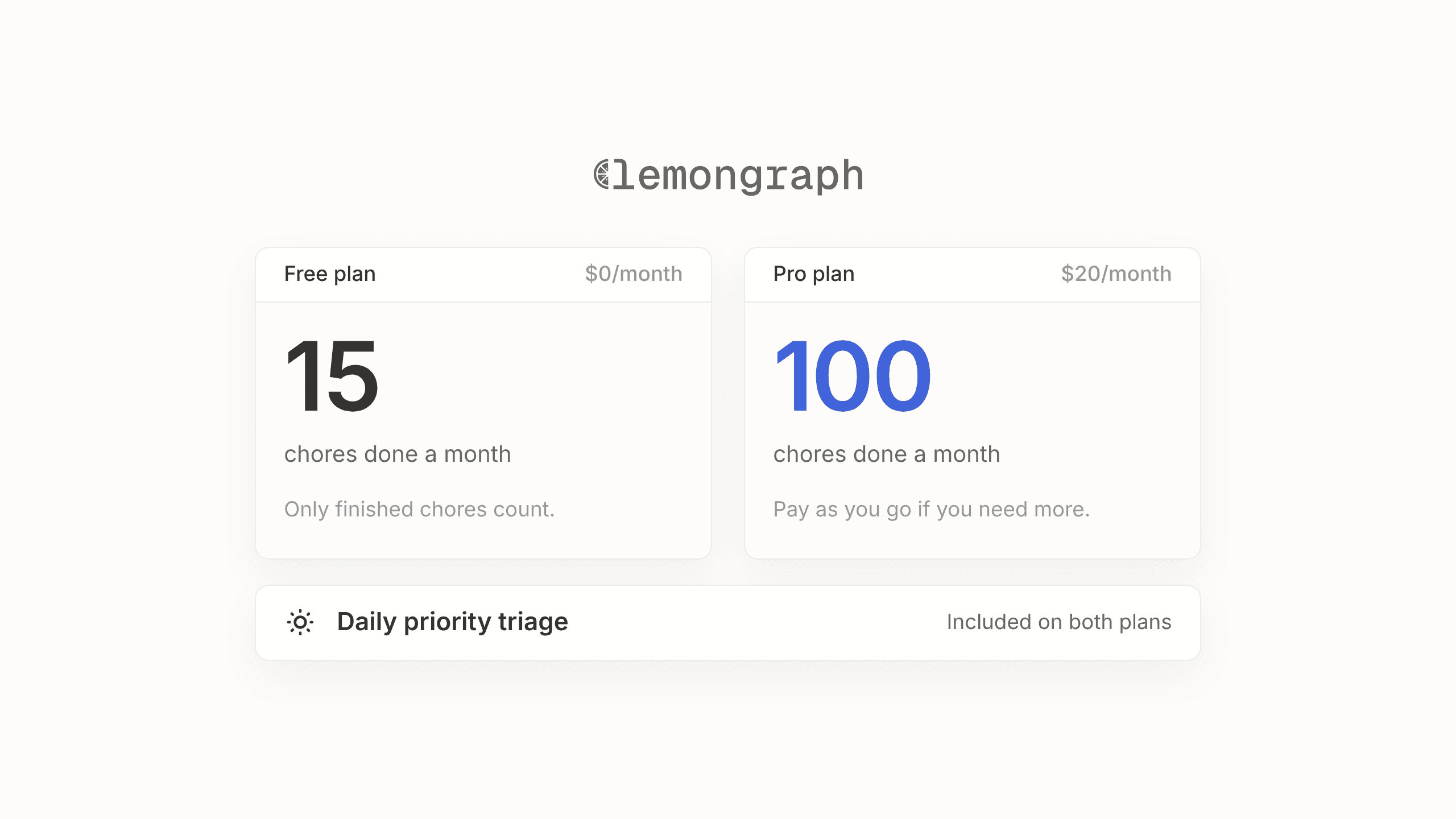
We also price per chore that actually gets done rather than by feature tiers or confusing credit bundles. Our Free plan is $0 with 5 integrations and 15 chore runs a month, with daily priority triage and chore spotting included. Our Pro plan is $20 a month with unlimited integrations and 100 chore runs a month, plus email support and pay as you go beyond that.
To be upfront, Lemongraph Pro costs several times more than TickTick Premium and has no habit tracker or focus timer. It runs on the web and Mac and doesn't sync with TickTick or Todoist. With TickTick you pay for a bigger, better organized place to keep your list. With Lemongraph you pay for the list to be kept for you. It's a different trade, not a better deal for everyone.
Frequently asked questions about TickTick pricing
Is TickTick free?
Yes. TickTick has a $0 free plan rather than a timed trial. It includes tasks with natural language dates, a habit tracker and a Pomodoro focus timer, with limits of about 9 lists and 99 tasks.
How much is TickTick Premium?
On TickTick's website, Premium costs $35.99 a year (about $3 a month) or $3.99 a month billed monthly. If you subscribe through the Apple App Store, the price can appear higher at $49.99 a year or $4.99 a month.
Does TickTick have a student discount?
Reviewers report a 25 percent student discount for eligible students and educators, which brings the annual price down to about $27 a year. We couldn't confirm this on TickTick's own pages, so check with TickTick before you count on it.
What is the difference between TickTick free and Premium?
TickTick Premium unlocks full calendar views with drag and drop scheduling and start and end dates on tasks. It also adds custom filters and raises your limits to about 299 lists, 999 tasks and 5 reminders per task.
Does TickTick have a team plan?
TickTick doesn't offer a dedicated team or business plan, though Premium users can share a list with up to 30 members.
Is there a to-do app that updates the list for me?
Yes, Lemongraph is an AI native personal task manager for web and Mac that pulls tasks from your email and meetings and adjusts priorities when plans change. It offers a $0 free plan with 15 chore runs a month and a $20 monthly Pro plan with 100 chore runs.
The best to-do list apps in 2026, sorted by who keeps the list
The best to-do list apps in 2026, from Todoist and TickTick to Motion and the free apps on your phone, sorted by who does the upkeep.
Todoist vs TickTick in 2026: which to-do app fits your day?
Comparing Todoist vs TickTick in 2026? See how pricing, calendars, AI features and daily workflows stack up so you can pick the right to-do app for your day.