Todoist Pricing in 2026: Is It Free and Is Pro Worth It?
A plain guide to Todoist pricing in 2026. See what stays free, why Pro costs $7 a month or $60 a year and who gets real value from paying to upgrade.
Sep 6, 2026
Yes, Todoist has a free plan. A genuinely useful one, too. The Todoist Pro plan costs $7 a month or $60 a year when billed annually. It only starts to make sense once your workday spills past five active projects and you want a calendar view or custom reminders to keep your promises straight.
Todoist pricing at a glance
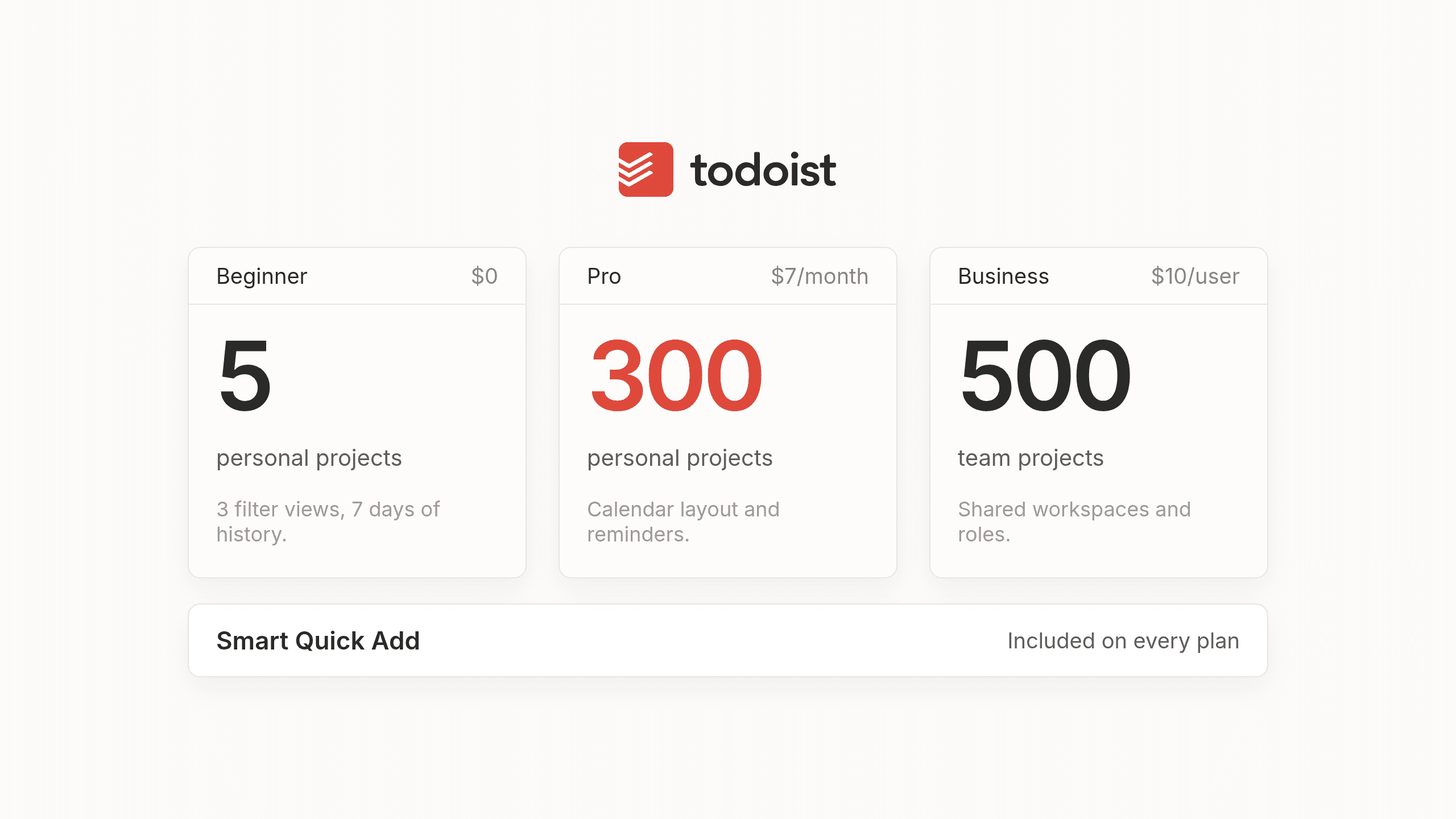
When people search for Todoist pricing or Todoist price, they usually just want the numbers on the table without having to click through billing toggles or read a manifesto about productivity. Most of us have sat at our desks trying to figure out whether a software subscription is going to quietly double after a trial week. So here are the numbers, plainly.
| Feature or Limit | Beginner | Pro | Business |
|---|---|---|---|
| Monthly Price | $0 | $7 per month | $10 per user per month |
| Yearly Price | $0 | $60 per year ($5 per month) | $96 per user per year ($8 per month) |
| Free Trial | None needed | 7 days | 14 days |
| Active Personal Projects | 5 | 300 | 300 per member |
| Active Team Projects | 5 | 5 | 500 |
| Custom Filter Views | 3 | 150 | 150 per member |
| Activity History | 7 days | Full history | Full history |
| Daily Automatic Backups | Not included | Included | Included |
| File Upload Size | 5 MB | 25 MB | 100 MB |
These come straight from Todoist's help center as of October 2026. Put the three plans side by side and one thing stands out. You're mostly paying for room to spread out.
Is Todoist free and where the Beginner plan runs out
If you're wondering whether Todoist is free in a way that actually works, or just a trial in disguise, the answer is a pleasant surprise. Todoist gives away its signature feature for $0 on the Beginner tier, which is Smart Quick Add with natural language dates and priorities. You can type a task with next Thursday at 3pm right in the line and the app files it cleanly. You also get both list and board layouts from day one. The apps work across your computer and phone as well as your watch or browser extension, so you never feel locked out of your own errands because you picked up a different screen. If you're just tracking household groceries or managing a small handful of personal chores, the Beginner plan is honestly generous.
Where regular professionals bump their heads against the ceiling is the project count. You only get 5 active personal projects and 3 custom filter views on the free plan. Once you try to separate client work from internal admin while keeping a couple of home lists on the side, five projects run out fast. You're also limited to 7 days of activity history and basic reminders only, along with 5 MB file uploads and a cap of 10 sessions a month for Ramble, the voice feature that turns speech into structured tasks. Five sounds like plenty until it isn't.
What the Todoist Pro plan adds that people actually upgrade for
Moving up to the Todoist Pro tier at $7 a month or $60 a year lifts the ceiling to 300 active personal projects and 150 custom filter views. You also get 25 MB file uploads and full activity history alongside daily automatic backups. Higher limits look reassuring on a pricing page, yet nobody really wakes up excited to create two hundred separate project folders. Most busy professionals actually pay the Todoist Pro price for everyday scheduling tools that make a crowded week easier to read.
- Calendar layout so you can see your tasks plotted directly alongside your actual time rather than floating in a timeless list.
- Task durations and deadlines which help you plan realistically when a project due Friday actually needs four hours of work starting Wednesday.
- Custom reminders so important commitments don't get forgotten the moment you step away from your desk.
- Unlimited sessions of Ramble for capturing tasks by voice whenever you're walking between meetings with your hands full.
- AI tools under Todoist Assist including Task Assist for breaking big tasks into smaller subtasks and Email Assist for pulling action items straight from forwarded emails.
That calendar view changes how you plan a Tuesday. Without it, a list of twenty tasks looks completely doable at 9am and completely impossible by lunch.
Monthly or yearly billing and how trials and refunds work
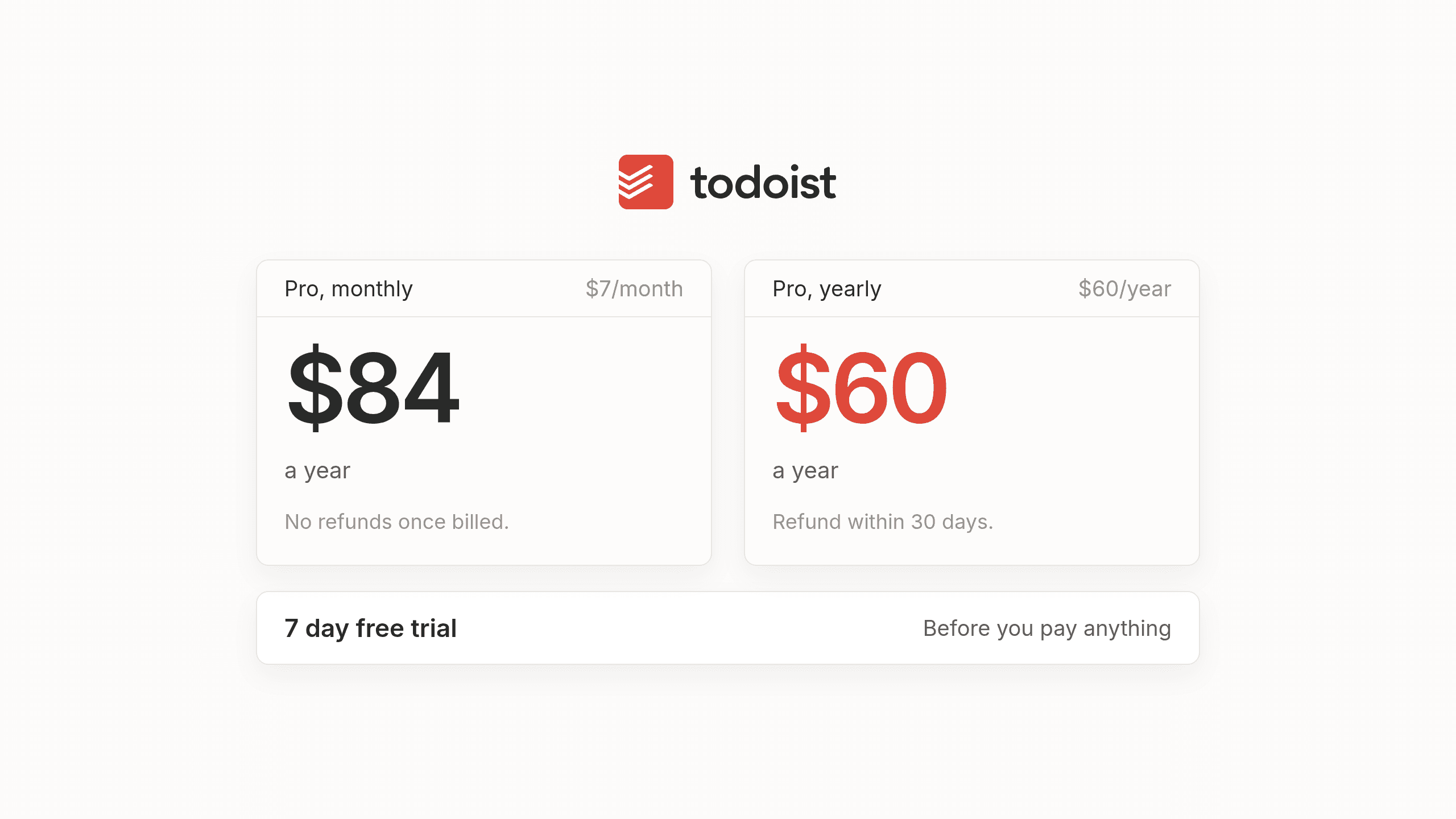
A little arithmetic now saves you a surprise on your card statement later. Paying $7 a month on monthly billing comes out to $84 over the course of a full year, whereas paying $60 upfront on yearly billing works out to $5 a month. Paying monthly costs 40 percent more than the $5 monthly rate on the annual plan.
You can test the waters with a 7 day free trial for Todoist Pro before spending a dime. If you forget to cancel or realize a week later that you went too big, the refund rules depend entirely on which billing cycle you picked. Yearly plans can be refunded within 30 days of purchase or renewal, while monthly plans can't be refunded at all. We also looked through Todoist pages for a student or nonprofit discount and we couldn't find one. If you ever decide to downgrade from Pro back to Beginner, you don't lose your work. Any projects above the 5 project limit simply become view only until you remove some or upgrade again.
Todoist Business in brief
If you're only organizing your own brain, you can skip the Business tier entirely. Todoist Business costs $10 per user a month billed monthly or $8 per user a month billed yearly, which equals $96 per user a year and starts with a 14 day free trial. On top of everything in Pro, it expands active team projects from 5 up to 500 while giving each member 300 personal projects and 100 MB file uploads. It also introduces shared team workspaces and team roles alongside shared templates for organizations with up to 1,000 members including guests. Business only makes sense if you're actively collaborating on shared lists with colleagues, whereas anyone working alone should stick to Beginner or Pro.
Is Todoist Pro worth it and what every plan has in common
If your life fits comfortably inside five projects and you don't mind checking the app on your own instead of relying on custom reminders, stay on the free Beginner plan. For anyone who lives in Todoist every day to run their workday, paying $60 a year for the Todoist Pro plan is genuinely good value. Pick yearly billing unless you're not sure you'll still be using the app in nine months, since that's roughly where $60 a year and $7 a month break even. Monthly also costs 40 percent more over a year and offers no refund window.
Still, there's one quiet truth about personal task management that no pricing table shows. Across all Todoist plans, you still maintain the list yourself. You're the one typing in promises after every meeting and you're the one rescheduling overdue items when your afternoon blows up. Upgrading from Beginner to Pro is like paying for a wider closet with cedar shelves and better lighting, which feels wonderful if you enjoy folding your own clothes every evening, yet the laundry still waits for your hands every morning. Every plan buys you better tools for doing that upkeep yourself.
A different way to pay for a to-do app
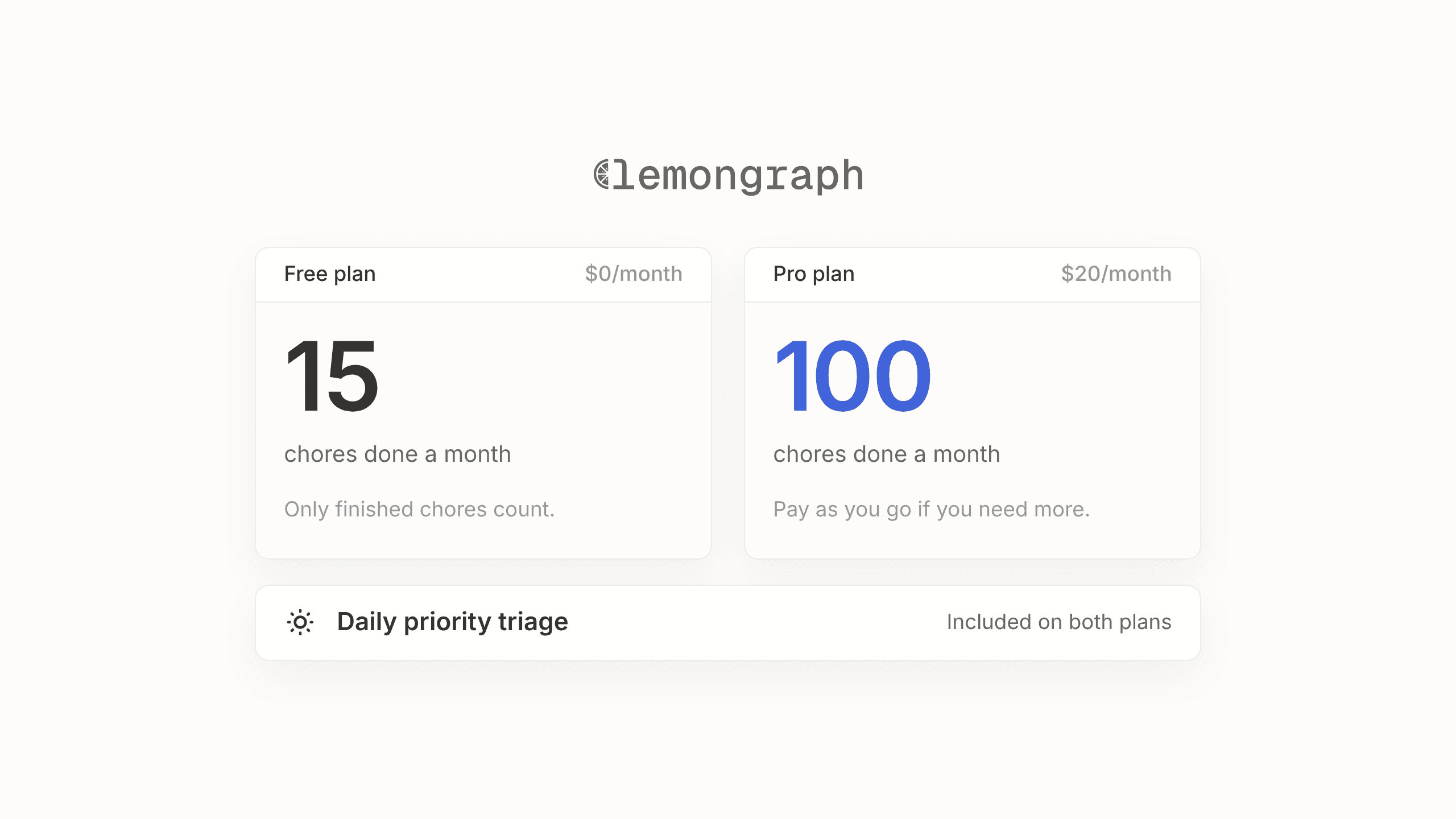
We built our AI native personal task manager Lemongraph for people who love having a reliable to-do list but are tired of being the full time clerk who maintains it. Instead of giving you a blank list to tend by hand, Lemongraph keeps the list up to date on its own. Tasks arrive from your email and meetings automatically and priorities adjust when plans change. Every morning Up next shows what actually matters today and explains why. You can snooze anything for later so it comes back when you're ready. Lemongraph runs on the web and Mac and doesn't sync with Todoist.
We also price per chore that actually gets done rather than by subscription tiers for storage or credits.
- Free at $0 includes 5 integrations and 15 chore runs a month, with daily priority triage and chore spotting included.
- Pro at $20 a month includes unlimited integrations and 100 chore runs a month, plus email support and pay as you go beyond that.
To be upfront, Lemongraph Pro at $20 a month costs quite a bit more than Todoist Pro at $5 to $7 a month. With Todoist you pay for a better place to keep the list, while with Lemongraph you pay for the list to be kept for you. It's a different trade rather than a better deal for everyone. People who genuinely enjoy running their own system are well served by Todoist.
Frequently asked questions about Todoist pricing
Is Todoist free?
Yes, the Beginner plan is free and gives you up to 5 active personal projects and 3 custom filter views. You still get Smart Quick Add with natural language dates and access to the app across your computer and phone.
How much is Todoist Pro?
The Todoist Pro cost is $7 a month when billed monthly or $60 a year when billed annually, which works out to $5 a month. New subscribers can try it first with a 7 day free trial.
Is there a Todoist student discount?
We checked Todoist pages and help docs and we couldn't find a student or nonprofit discount.
Can I get a refund on Todoist?
Yearly plans can be refunded within 30 days of your initial purchase or annual renewal. Monthly plans can't be refunded once billed.
What happens if I downgrade from Pro?
You don't lose any of your tasks or history if you step back down to the free Beginner tier. Any projects above the 5 project limit simply become view only until you archive some or upgrade again.
Is there a cheaper way to get a smart to-do list?
Todoist Pro at $5 a month billed yearly is already good value for a classic to-do list with helpful AI tools like Task Assist. If you'd rather have an AI native personal task manager keep your list updated from your email and meetings for you, Lemongraph offers a $0 free plan with 15 chore runs a month and a $20 monthly Pro plan with 100 chore runs.
Todoist vs TickTick in 2026: which to-do app fits your day?
Comparing Todoist vs TickTick in 2026? See how pricing, calendars, AI features and daily workflows stack up so you can pick the right to-do app for your day.
Todoist vs Lemongraph
Todoist vs Lemongraph: a to-do list you update by hand, or one that updates itself from your email and meetings. An honest comparison.