AI agent orchestration from one task list
Why AI agent orchestration depends on shared context, how it stops wasted tokens and how an AI native task manager decides what matters from your day.
Nov 10, 2026
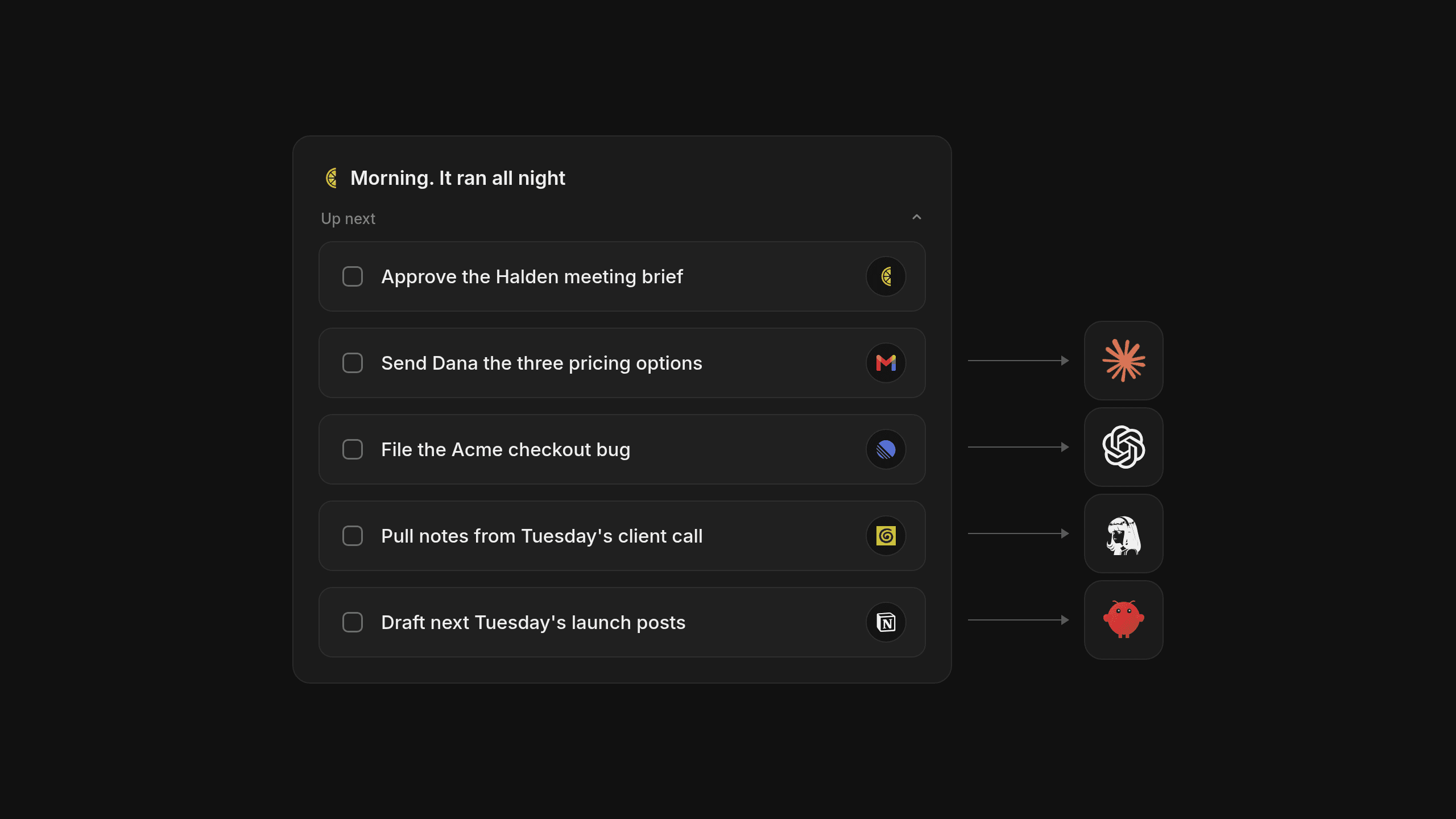
In 1975, software pioneer Fred Brooks wrote in The Mythical Man-Month that adding people to a late software project makes it later, because the cost of communicating and sharing state grows with every new person. That same coordination problem now shows up in AI agent orchestration, whenever separate tools try to finish your daily work without one shared list that says what matters first.
Why AI Agent Orchestration Needs Shared Context
When we watch people set up automated workflows, the biggest failure rarely comes from how smart the models are. It comes from tools working inside isolated sessions, with no common place to read and write updates. Real AI agent orchestration needs a durable home where every tool can see what's already done and what's still waiting. Think of two people cooking dinner in separate kitchens without talking. Both end up chopping onions while nobody turns on the oven.
The Kitchen Handoff Problem
Most automated workflows break at the handoff. One tool finishes a draft or pulls notes from a call, and the next tool wakes up with no idea what just happened or why. Without a single source of truth holding the goal and the current status, tools either repeat the same research or take conflicting actions on your files. They're flying blind.
Moving Beyond Ephemeral Chat Windows
A central place for shared context for agents is the first step to making any set of tools work well together. Whether your team tracks work in Linear or Asana, or you run your own day in an AI native personal task manager like Lemongraph, every tool needs a reliable place to check what's ready before doing anything. Shared context is the foundation for clean handoffs, because what a single chat session remembers disappears when you close the window.
How Uncoordinated Tools Burn Through Tokens
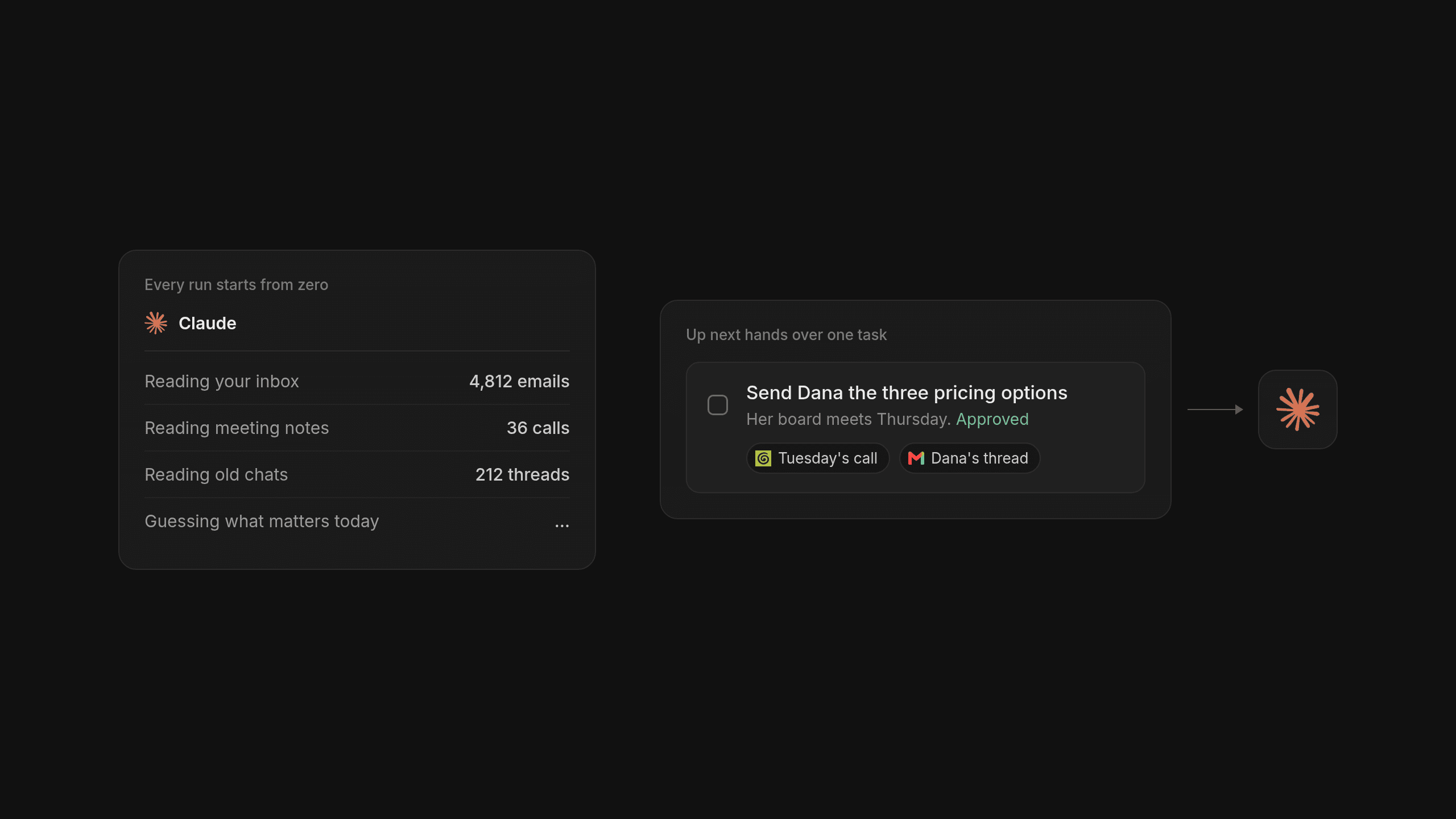
Shared context solves the handoff, but it still leaves a cost problem if your tools don't know what's important right now. Without clear coordination, tools will happily spend hours researching background trivia or drafting replies to low priority threads that don't matter today. If you want to stop burning AI tokens on busywork, decide what matters before any model starts running.
Why Guessing Strategy and Execution Together Fails
A model on its own struggles when you ask it to work out your priorities and do the work at the same time. When it has to guess what's important by rereading your whole message history on every run, it burns through compute and still gets your priorities wrong. Guessing is expensive.
Separating Task Order from Chore Execution
Keeping your task order in a steady, predictable list, separate from the model that does the chore, keeps token use low and predictable. Instead of asking a model to rebuild your project history from zero, your list hands over the one item that's unblocked and ready.
- Capture the commitment, so the task lives in a structured list with its original source attached.
- Set today's priority order, so it's obvious which task is unblocked and worth doing today.
- Approve the chore, because nothing should happen on your behalf without your say so.
- Read only the linked sources needed to finish that one item, then write the result back to the list.
Deciding what matters before a tool starts working is the simplest way to stop wasted effort and wasted money.
Defining Tasks from Your Conversations Automatically
A shared list and some token discipline still leave one very human problem. Someone has to put the tasks into that list in the first place. Anyone who spends their day in email and back to back meetings knows that keeping a list by hand quickly turns into a second job you end up doing at nine at night.
Getting Commitments Out of Email and Meetings
We built our AI native task manager to define tasks from your real conversations, so your shared context stays accurate on its own. Instead of copying promises over all afternoon, commitments from Gmail and Google Calendar land on your list automatically. If you use Granola for meeting notes, those action items come in too. Lemongraph also prepares meeting briefs with every detail linked to its source, so you and your tools always have the exact thread or call where a decision happened. It saves a lot of digging.
Deciding What Comes First When Plans Change
Capturing the work only helps if your personal task management app also helps you decide what deserves your attention now. In Lemongraph, priorities adjust on their own when plans change during the week. Every morning, Up next shows what matters today and explains why each item is there. If a task doesn't belong in today, snooze it and it comes back when you're ready. Nothing ever happens on your behalf without your approval. When your task manager defines the work from your conversations and keeps the order honest, any tool reading from that list starts with clean context and clear direction.
Where Linear and Asana Fit Compared to Lemongraph
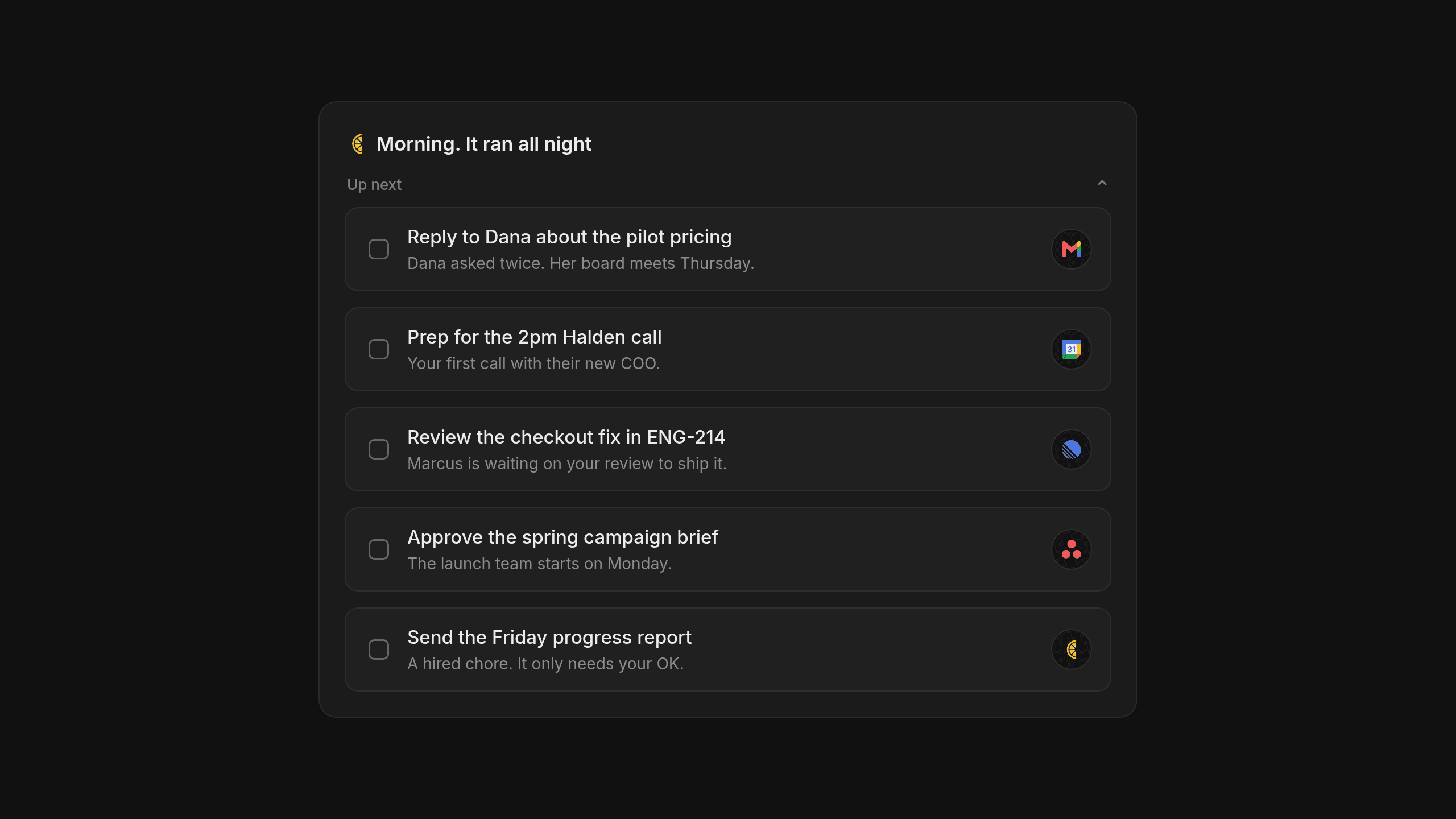
We want to be clear about where Lemongraph fits and where other tools are the better choice. A personal task manager isn't a replacement for a team project tracker.
When Team Trackers Are the Better Choice
If you're coordinating software sprints and bug triage across an engineering team, Linear is the better choice and does that job wonderfully. If you're running cross functional campaigns across marketing or operations, Asana is built for exactly that kind of team visibility. Both give teams a shared picture of dependencies and status, which works great once the work is written down as tickets. The gap for busy individuals is the step before that: turning emails and meeting promises into tasks, and deciding what matters most for their own day across all those projects.
Connecting Team Projects to Your Personal List
Here's how team trackers and a personal task manager handle shared context, depending on whether the work starts as a team ticket or a promise inside a conversation.
| Focus Area | Linear | Asana | Lemongraph |
|---|---|---|---|
| Primary Job | Issue tracking and sprint planning for product teams | Cross functional projects and campaign tracking for teams | AI native personal task manager for your own day |
| How Tasks Get Defined | Written by the team as tickets or created through integrations | Added by project owners or captured through forms | Defined automatically from your email and meetings with linked sources |
| How Priorities Adjust | Set during team triage and sprint planning | Managed through project timelines and due dates | Adjusts when plans change and explains why in Up next |
| Pricing Model | Per seat plans for software teams | Per seat plans for organizations | Free at $0 for 5 chore runs a month or Pro at $20 a month for 100 |
We kept pricing plain. Lemongraph is Free at $0 with 5 chore runs a month, or Pro at $20 a month with 100 chore runs, and you pay per chore that actually gets done, not by credits. You don't have to give up your team trackers either. Lemongraph runs on the web and Mac and connects with Linear and Asana, so your assigned work sits right alongside your email and meeting commitments.
Frequently asked questions
Why do AI agents need a task manager instead of longer context windows?
A bigger chat window still keeps information inside one tool and forgets it when you start a new session somewhere else. Even with a huge context window, making a model reread thousands of old messages on every turn wastes compute and leaves your other tools in the dark about what's finished and what's next.
How does Lemongraph stop tools from doing the wrong work or wasting tokens?
Lemongraph defines your tasks from your email and meetings first and puts what matters today in Up next before any chore runs. Nothing happens on your behalf without your approval, and because the Free and Pro plans are priced per chore that actually gets done rather than by credits, you don't pay for a model spinning its wheels in the background.
Should I use Lemongraph instead of Linear or Asana?
No. If your team relies on Linear for engineering sprints or Asana for department projects, keep using them for team coordination. Lemongraph is a personal task manager for the web and Mac that connects with Linear and Asana, so your team tickets and the promises from your email and meetings land in one prioritized list for your day.
Good automation starts with knowing what actually needs to get done today, so start by getting your own daily list accurate and current.
How to do a brain dump and find what matters today
Learn how to do a fast brain dump without creating a second job of sorting notes and see how AI helps surface the few tasks that actually matter today.
Why unfinished tasks stay on your mind and how to let them go
The Zeigarnik effect is why unfinished tasks keep popping into your head. What it is, what the research found and five simple ways to quiet the noise.