Best apps that turn email and meeting notes into tasks
Most apps turn an email into a task only after you forward it or star it. Here's how popular ones handle email and meetings and which one does it for you.
Written by George Kats · Oct 9, 2026 · Updated Nov 26, 2026

On Monday Ana from finance emails you about vendor numbers. On Thursday she asks again in the last two minutes of a call. By Friday neither is on your list, because you never typed them in.
Most task managers turn an email into a task only after you pick it. You forward it, star it or label it. Motion and Akiflow do more with meetings and send a notetaker into your calls. Lemongraph reads Gmail and your meeting notes itself, so Ana's request is on your list both times without you doing anything. If only a few emails a week are tasks, forwarding them to Todoist is plenty.
One of these apps is ours. We checked each company's own pages on November 26, 2026.
Todoist, TickTick and Things 3 take emails you forward
You read Ana's email, decide it's a task and hit forward.
In Todoist you send it to a project's address. Email Assist rewrites it into a clear task and pulls out date and time. TickTick gives you an address to forward to as well. Things 3 calls it Mail to Things. Your subject becomes a title and your email becomes its note.
It's quick. It works when you remember.
Akiflow, Superlist and Sunsama take emails you mark
You're in Gmail anyway, so you star Ana's email and move on.
Akiflow turns starred or labeled emails into tasks in your inbox. Superlist does that with starred, important or labeled ones and can add a summary. Sunsama puts a Gmail panel next to your day, so you can drag her email straight onto Thursday.
You're still reading your whole inbox and deciding which messages are promises.
Motion and Akiflow send a notetaker to your calls
Thursday's call ends. A minute later there's a task waiting.
Motion's notetaker joins Zoom, Google Meet and Microsoft Teams by itself. When your meeting ends it creates tasks with deadlines, priorities and durations and puts them on your calendar. You approve or reject each one with a click.
Akiflow's Meeting Assistant joins those same three. You get notes, a full transcript and action items you can turn into tasks. It drafts your follow up email too.
Superlist skips the bot. It records calls on your computer and writes up next actions.
For meetings, these do more than we do. For email, Motion still needs you to forward.
Lemongraph reads Gmail and your meeting notes itself
You don't forward Ana's email. You don't star it. You don't open anything after Thursday's call.
Lemongraph follows conversations your work runs through, in Gmail and in your meeting notes from Granola, Wispr Flow and Google Meet. When you agree to something, it's on your list with a link back to where it was said.
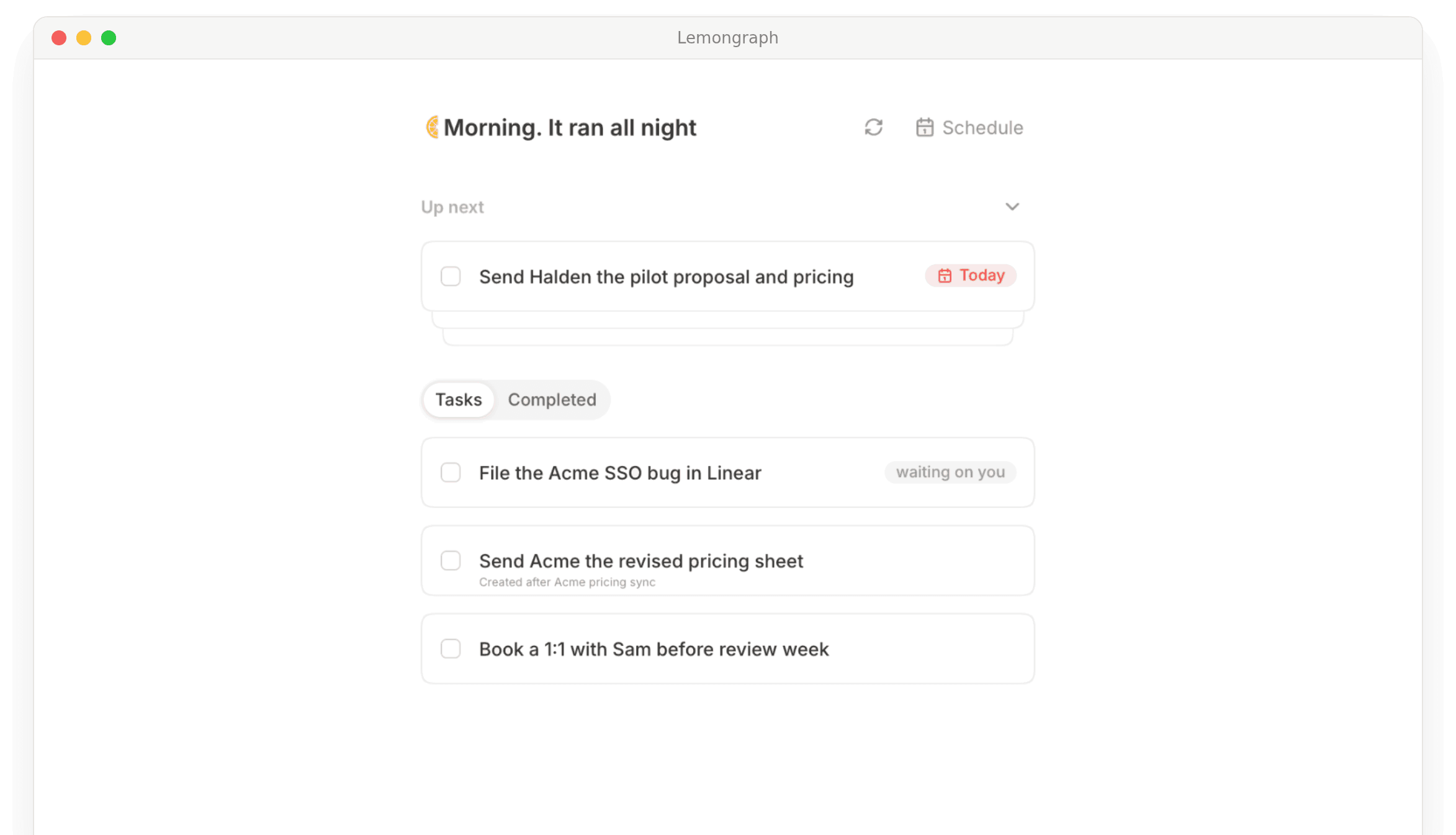
Ana's request shows up once. Monday's thread and Thursday's call sit on one action item, with her date on it.
Before your next call with her there's a meeting brief with who you're meeting and what to prepare. And when Claude or ChatGPT picks up that action item over MCP, it already knows who Ana is and what you promised her.
What we don't do: Lemongraph doesn't join your calls. It works from notes you already have, so you need Granola, Wispr Flow or Google Meet for that part. It reads Gmail only. It runs on the web and is built for one person.
Granola writes your notes and Lemongraph reads them
Granola is great at meeting notes. It isn't a task manager. Connect it in Settings → Connections and Lemongraph turns those notes into action items, right next to ones from your email.
Side by side
| Meetings | What a task comes with | ||
|---|---|---|---|
| Lemongraph | Reads Gmail and finds action items itself | Works from your notes in Granola, Wispr Flow and Google Meet | Its conversation, people involved and what depends on it |
| Motion | You forward emails | Notetaker joins Zoom, Google Meet and Microsoft Teams | Description from your call, deadline, priority and duration |
| Akiflow | You star, label or forward in Gmail | Assistant joins Zoom, Google Meet and Microsoft Teams | Date and time on your calendar |
| Superlist | You star, mark important or label in Gmail | Records calls on your computer | Your email or a summary |
| Sunsama | You import emails from a Gmail panel | Not its focus | Link to your Gmail thread |
| Todoist | You forward emails to a project | Not its focus | Rewritten title, date and time |
| TickTick | You forward emails | Not its focus | Your email as a task |
| Things 3 | You forward emails | Not its focus | Subject as title, body as note |
Which one should you pick?
You dig through your inbox every morning to work out what you owe people. Try Lemongraph.
You want a bot in your calls and tasks on your calendar afterwards. Pick Motion or Akiflow.
Only a few emails a week are tasks. Pick Todoist, Sunsama or Superlist.
You live in Outlook. We can't help you yet. Akiflow reads Outlook, so start there.
More detail is in Motion vs Lemongraph and Akiflow vs Lemongraph and every comparison is on our compare page. Got something wrong about one of these apps? Let us know at hey@lemongraph.dev.
Frequently asked questions
Which app turns emails into tasks automatically?
Lemongraph reads Gmail and finds action items without you forwarding or starring anything. Most other apps need you to pick each email first.
Which apps turn meeting notes into tasks?
Motion and Akiflow join your calls and create tasks afterwards. Superlist records calls on your computer. Lemongraph works from notes you already have in Granola, Wispr Flow and Google Meet.
Does Lemongraph join my meetings?
No. It works from meeting notes you already have. You get a brief before a call and action items are on your list after it.
Does Lemongraph work with Outlook?
No. Sign in is Google only and it reads Gmail.
Can one app handle both email and meetings?
Lemongraph, Motion, Akiflow and Superlist cover both. In Lemongraph a thread and a call about one request become one action item.
Keep reading
The best to-do list apps in 2026, sorted by who keeps the list
The best to-do list apps in 2026, from Todoist and TickTick to Motion and the free apps on your phone, sorted by who does the upkeep.
Best task managers with MCP support
Seven task managers have an official MCP server in 2026. Here's what Claude and ChatGPT find in each one and which gives them compressed, lossless context.
TickTick pricing in 2026: is it free and is Premium worth it?
TickTick has a generous free plan and Premium costs $49.99 a year. Here's every limit, the monthly math and who should pay.
All comparisons
Every comparison, alternatives guide and pricing guide we have written.
Lemongraph connects to Gmail, Google Meet, Granola, Wispr Flow, Calendly, Cal.com, Notion, Google Docs, Linear, Asana, ClickUp, monday.com, Attio and HubSpot.
TickTick vs Lemongraph
TickTick is a lovely place to plan the tasks you bring to it. Lemongraph is for the ones you never got around to typing in.
The Eisenhower Matrix: how it works, a free template and where it falls short
The Eisenhower Matrix sorts tasks by urgent and important into four boxes. A free template, a real example, the true history and where it falls short.